The Manage Application page of the Configure Office 365 Mailbox Access Wizard allows you to update the registered app that will be used by Out-of-Office Extender to access mailboxes hosted in Exchange Online.
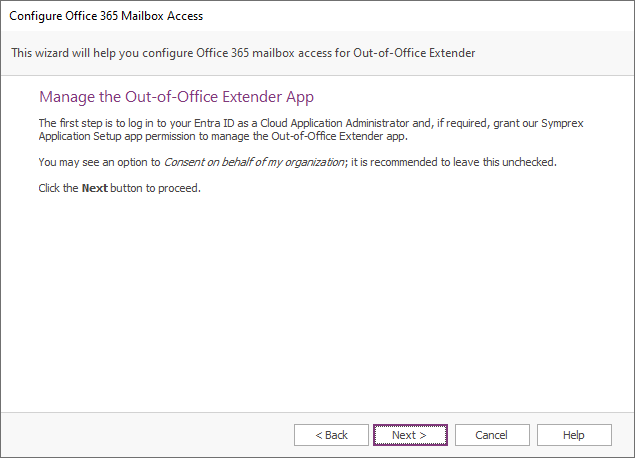
When you are ready, click the Next button to begin the process of creating the registered app, the Back button to return to the Using an Entra ID App page, or the Cancel button to close the wizard.
First, you will be prompted to login to Entra ID. In order to have sufficient permissions to update the registered app, you will need to login as a Cloud Application Administrator.
Second, the wizard uses the Symprex Application Setup Enterprise Application to update the app. These permissions would have been granted if you previously create the registered app automatically but if you deleted the Setup app registration, the permissions will need to be granted again; refer to the Create the Registered App page.
Once the login is completed and the permissions granted, the wizard will be able to manage the Out-of-Office Extender registered app and moves to the Application Certificate page.